 IDPouch for iPhone & iPad
Scan your IDs.
Keep them together.
Save IDs and passports in one place. Make a copy, add a purpose watermark, and find it again when you need it.
Free to download · In-app purchases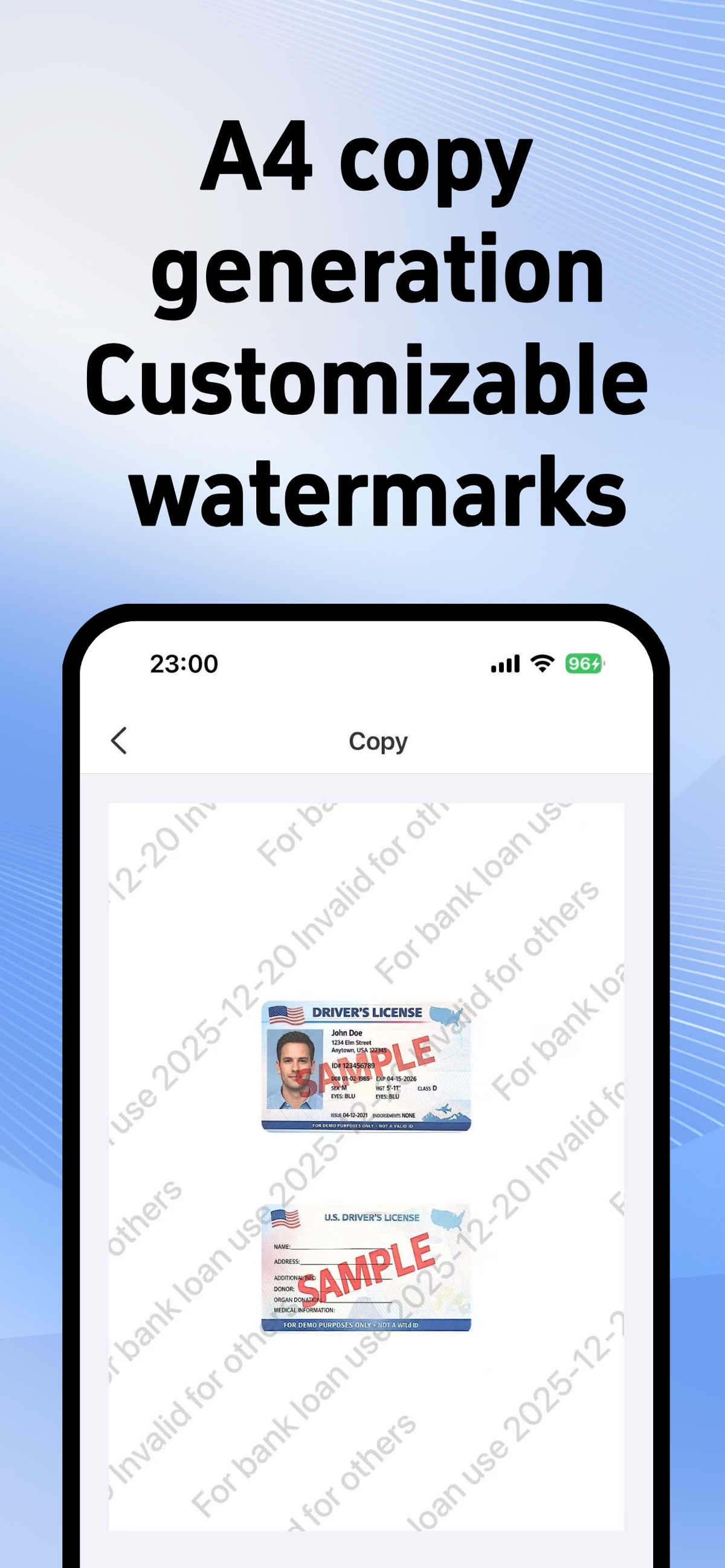
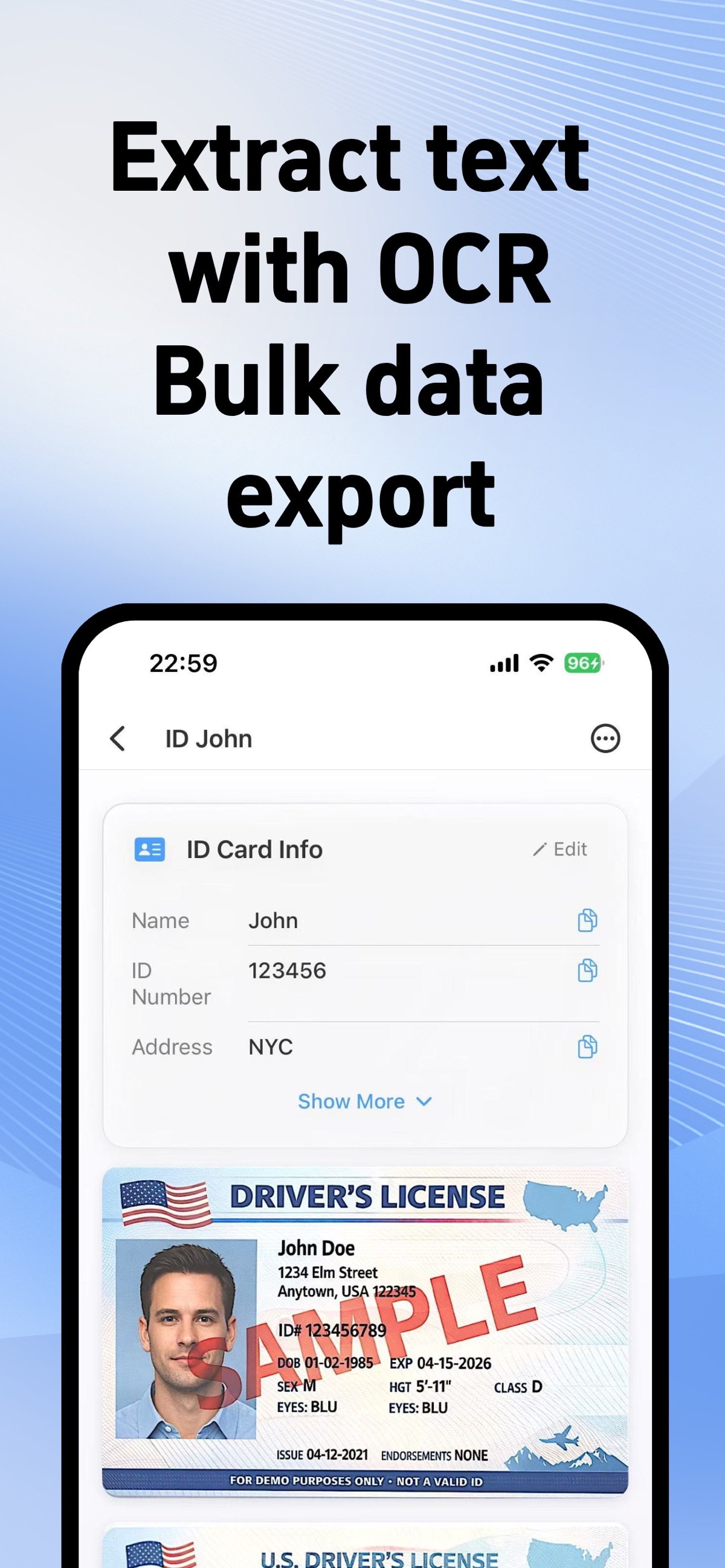
Actual App Store screens · English interface
Scan IDs and passports
Capture a clear copy and adjust the document edges.
Prepare a copy to share
Create a document copy and add a recipient or purpose watermark.
Keep documents organized
Save your documents together and find the copy you need again.
Free online ID tools
For a quick task, use your browser. No upload or account needed.
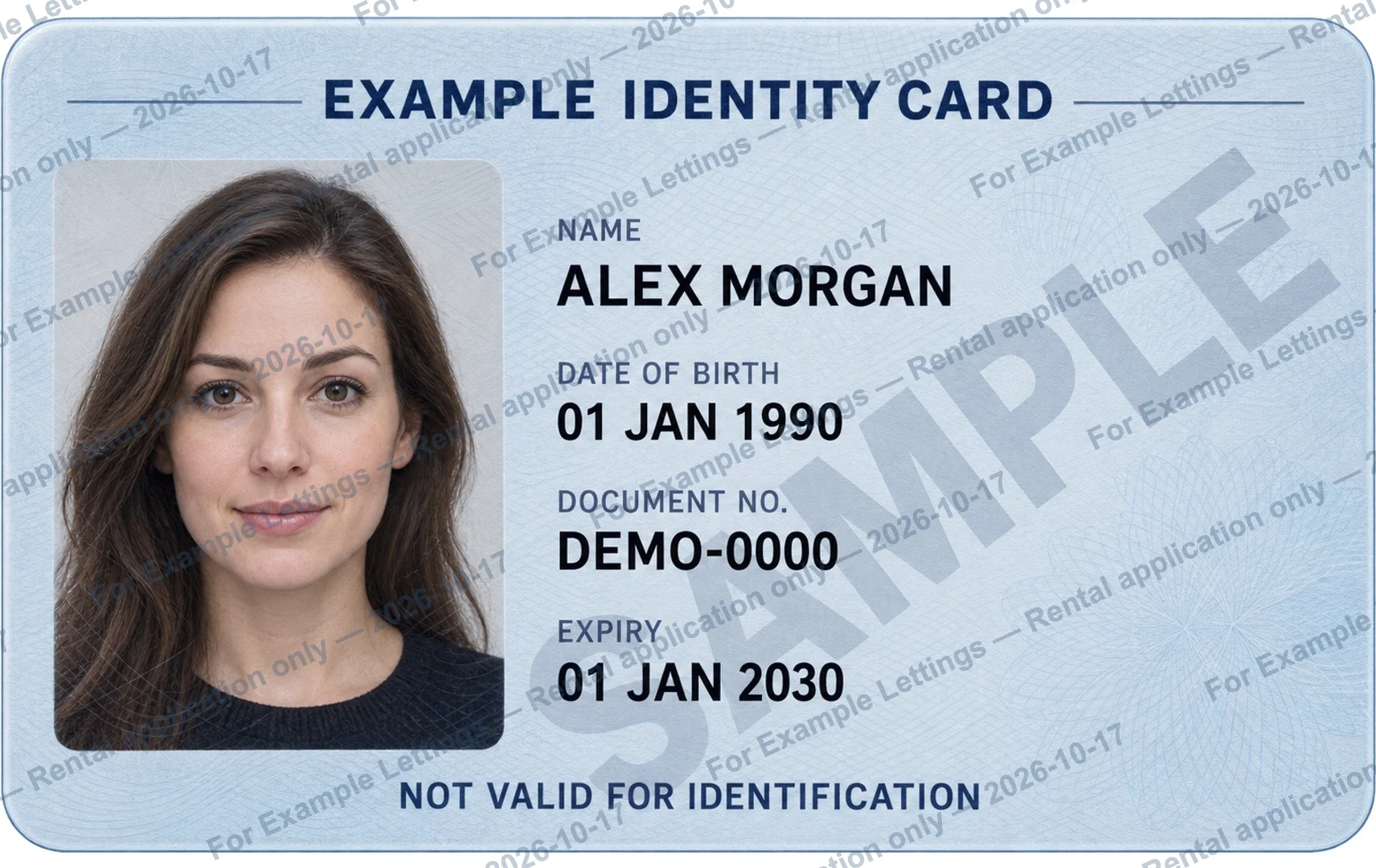
Add a watermark to an ID
Write the recipient, purpose and date on your copy. Export a JPG or PNG.
Watermark an ID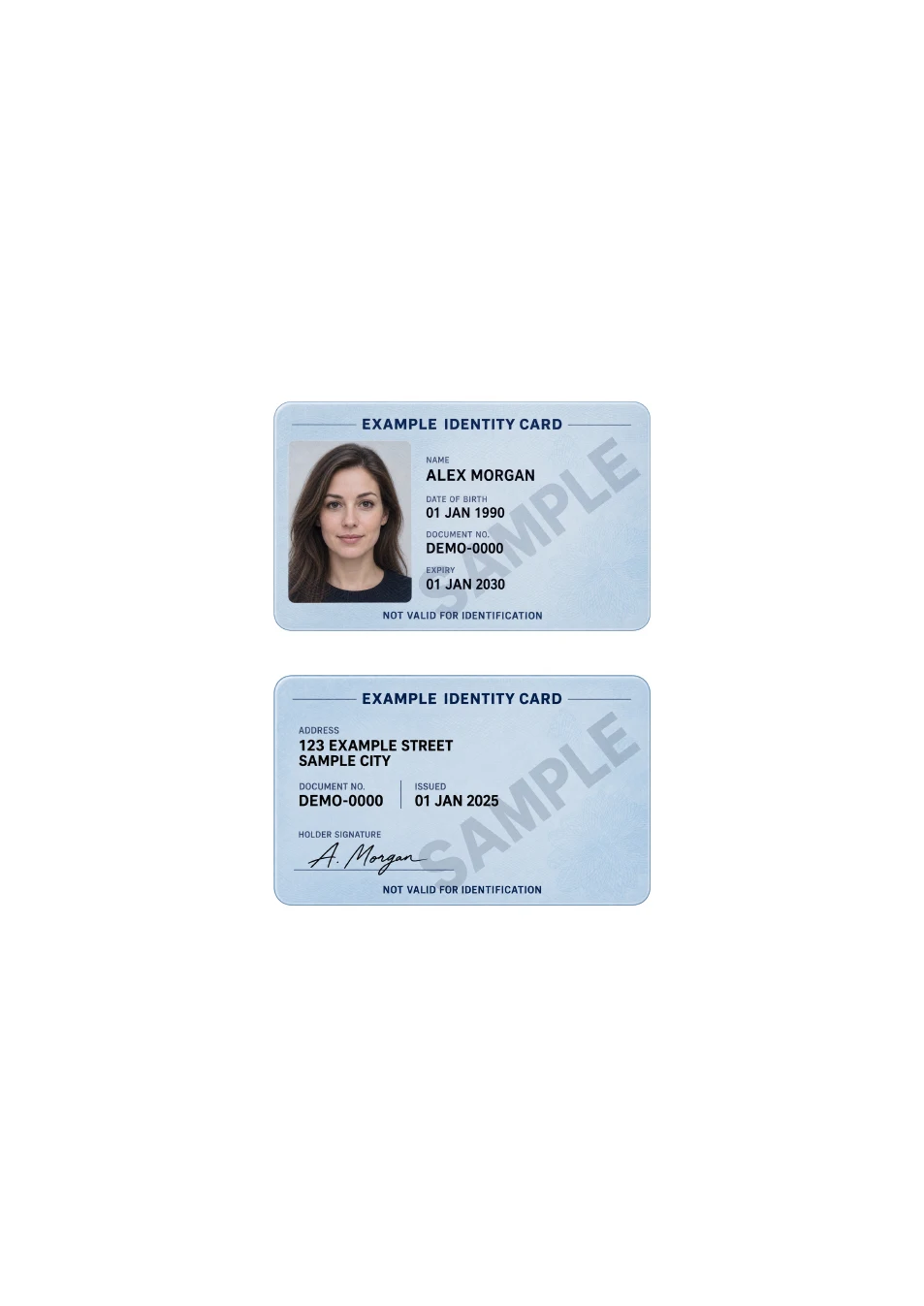
Put both sides on one PDF page
Arrange the front and back at card size on A4 or US Letter. Download one PDF.
Make an ID copy PDFExamples use fictional identity cards marked SAMPLE.
Before you share an ID copy
Practical wording and checklists for your next document request.
Common questions
What is free, and what is paid?
The website tools are free to use and export, without an account. The separate IDPouch app is free to download and offers in-app purchases. Current feature access and prices are shown in the app and App Store.
Do the browser tools upload my documents?
No. Your chosen images are opened and processed in your browser. Document images and watermark text are not sent to an IDPouch server. Opening the website itself still makes normal web requests.
Can a watermark prevent misuse?
A watermark labels the recipient and purpose of a copy. It is not a guarantee against removal or misuse. Verify the request and check the recipient’s requirements before sharing.