
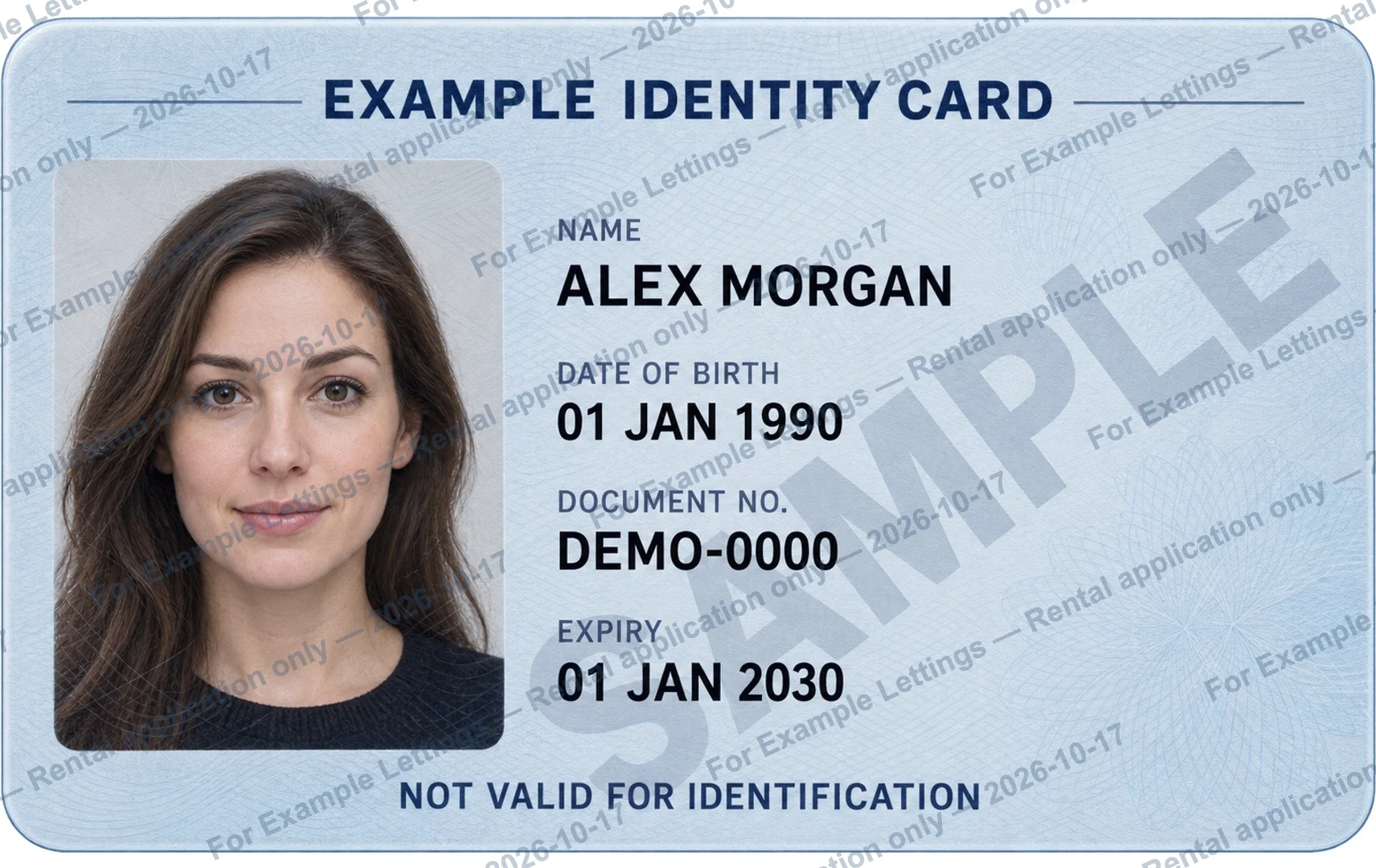
Start with the request, not the attachment.
If a landlord or letting agent asks for identification, pause before sending the original image from your camera roll. First confirm who is asking, why the copy is needed, and how it should be sent.
Use contact details you have independently verified. A message that mentions a property address or includes a familiar logo does not, on its own, establish who sent it.
“Which document and file format do you need, and what is the verified channel for sending it?”
Check the exact format they accept.
There is no single file requirement that applies to every rental application. The recipient may ask for a particular side, a PDF, a photo, or a specific upload process. Check their instructions instead of guessing.
- Which document and which sides are needed?
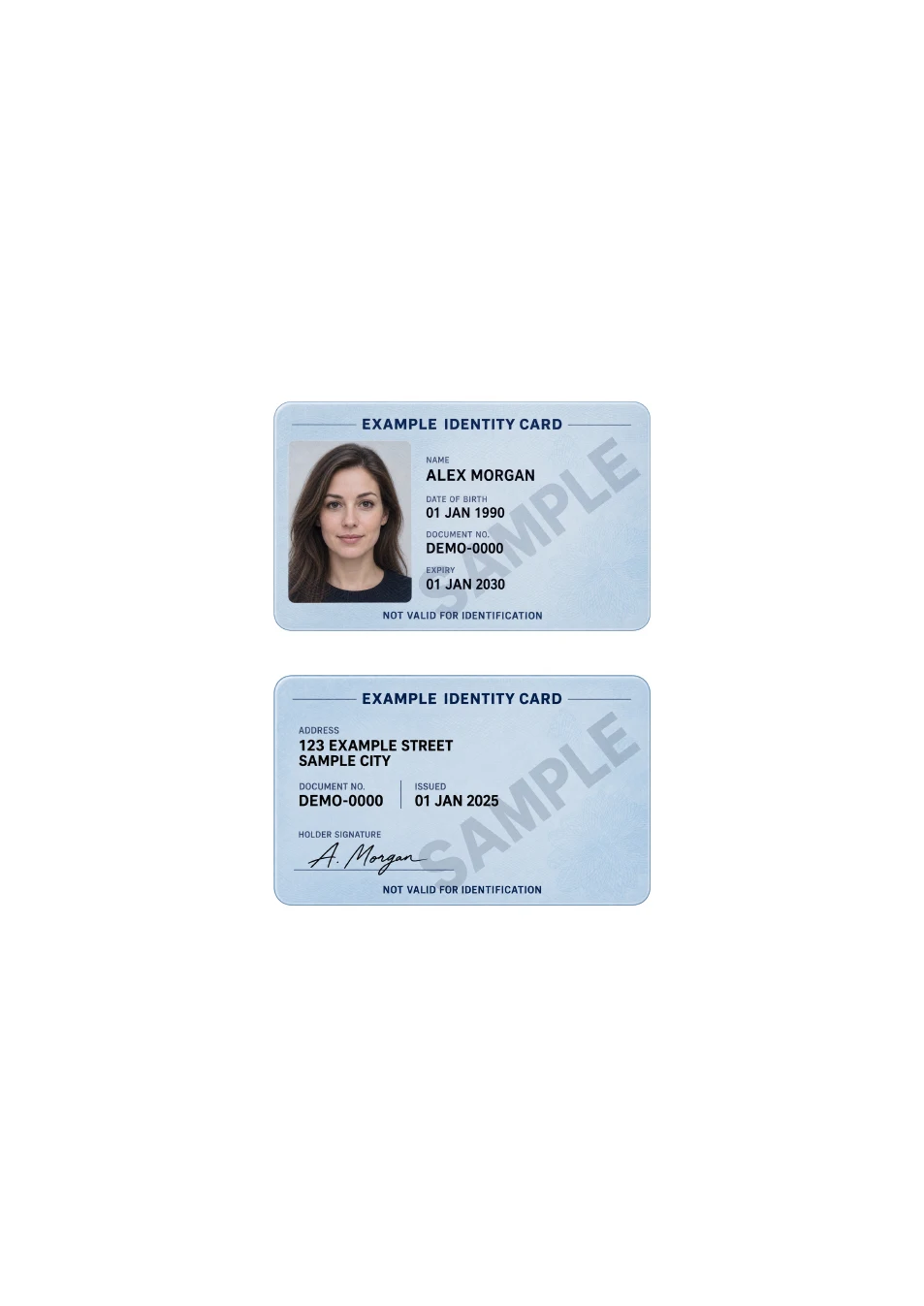
- Should the front and back be on one page or separate pages?
- Do they accept a copy with a purpose watermark?
- Is there a file-size limit or a required paper size?
This guide concerns preparing a copy. It does not decide what identification a landlord is entitled to request in your location.
Prepare a copy that is easy to read.
Use even lighting, keep all required edges visible, and check for reflections over the photograph or text. Rotate the image upright and open it at a readable size before making any changes.
If both sides are requested on the same page, use the one-page ID PDF tool. It fits your two images without stretching them. Select A4 or US Letter according to the recipient’s instructions.
Label the recipient and purpose, when accepted.
If a marked copy is accepted, a specific message gives more context than a generic “COPY”. You can start with:
For [Letting agency] — Rental application for [Reference] only — [Date]
Use only details you want to appear on the shared copy. A reference is optional. Check the text and keep important document details readable.
The ID watermark tool creates a new image; it does not overwrite your original. A purpose mark cannot guarantee that a copy will not be misused or the watermark removed.
Review the actual file before sending.
Open the downloaded image or PDF outside the tool. Check the page count, both sides, image direction, watermark spelling, and readability. Confirm that you have attached the intended copy.
Send it only through the channel you verified. Keep a note of what you supplied and to whom. If the request or destination changes unexpectedly, check again before sending.
Prepare a purpose watermark →